
GPS speedometer for Android
Your speed, clear at a glance.
A clean analog gauge with trip stats, and a floating mini window that keeps just your speed on screen while you use other apps. No ads, no accounts, no tracking.
Requires Android 8.0 or newer and a device with GPS.
Live preview, not real data.
Screenshots
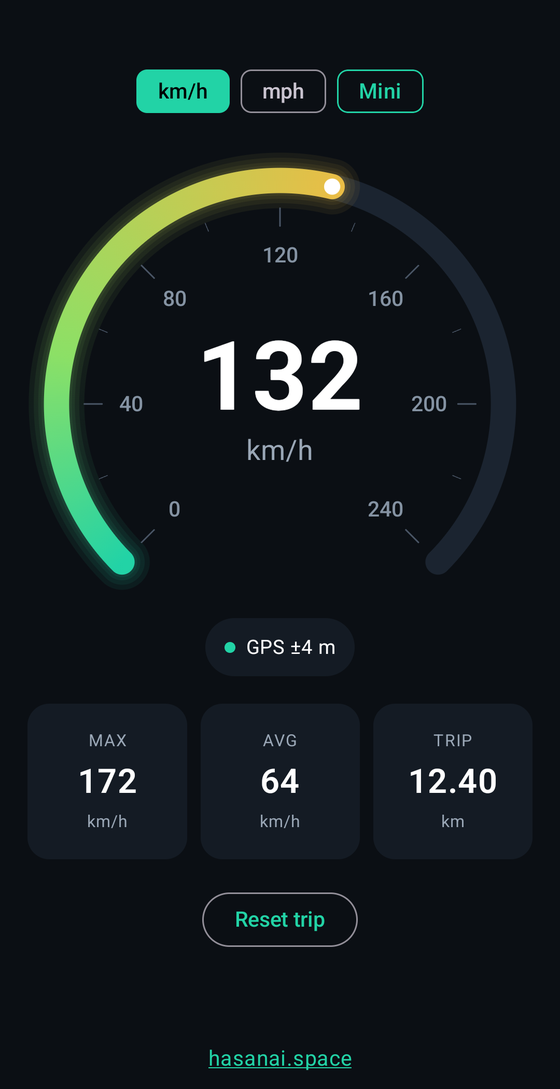
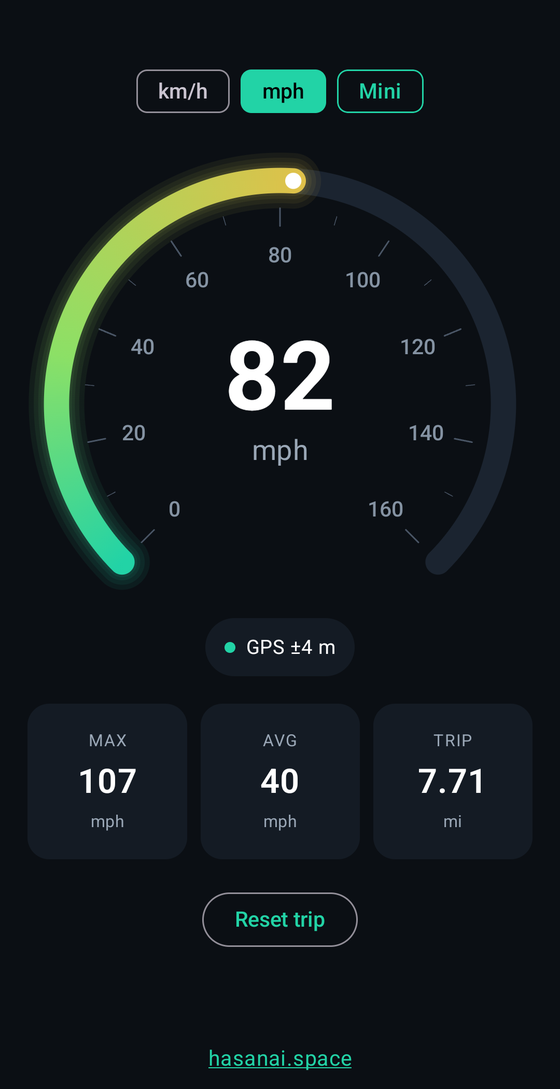
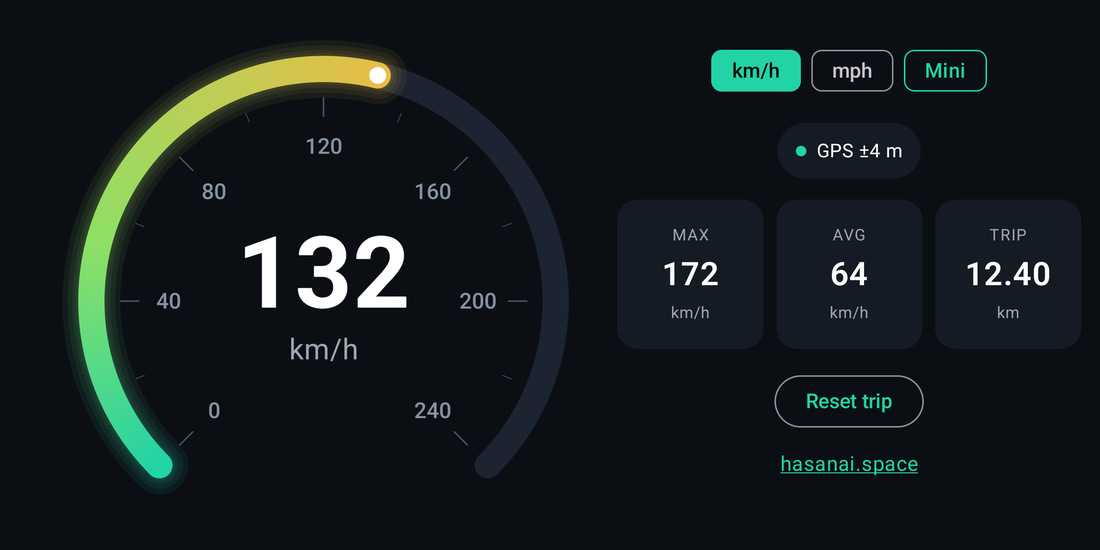
Screenshots use sample values.
Everything you need, nothing you don't
-
Analog gauge
A smooth gauge that shifts from green to amber to red as you speed up, with a big digital readout in the middle.
-
km/h or mph
Switch units with one tap. The scale, stats and trip distance follow, and the app remembers your choice.
-
Max, average, trip
Top speed, average moving speed and distance for the current trip. Reset any time with one button.
-
Floating mini window
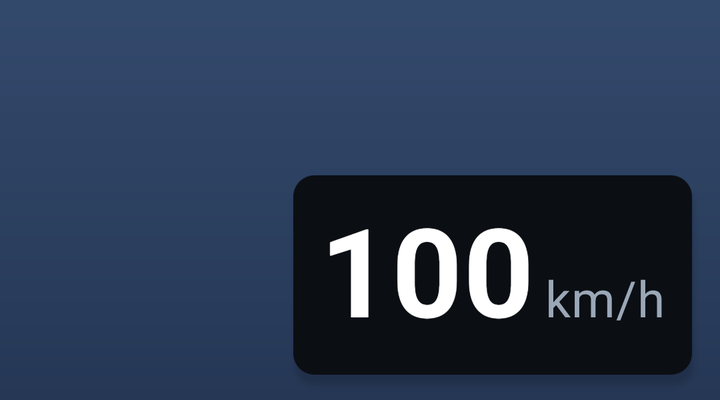
Shrink the app to a small window that shows only your speed and unit, such as 100 km/h, on top of other apps.
-
Stays awake
The screen stays on while the app is open, so the gauge is always there when you glance at it.
-
Private by design
Your location is used on your phone only while the app is showing. The app has no internet permission at all.
A speedometer that follows you
Need a map or music up front? Minimise Speedometer and it becomes a small floating window with just your speed and unit. Drag it wherever you like.
- Tap Mini to shrink the app into a floating window right away.
- Press Home while the GPS is running and it minimises automatically.
- Double-tap Mini to turn the feature off or on. When it's off, Mini is struck through.
- Tap the window to open the full app again, or close it with the X.
Uses Android's Picture-in-Picture window, so it needs no extra permission. If it never appears, check that Picture-in-picture is allowed for Speedometer in your phone's app settings.
Location stays on your phone
Speedometer asks for location only to work out your speed and distance, and only while it is on screen or in its mini window. Nothing is saved or uploaded, and there are no ads, analytics or accounts. The only thing it remembers is your unit choice.
Questions
Why does it show 0 or “Weak GPS signal”?
GPS needs a clear view of the sky. Indoors, the signal is weak or missing, so the app shows 0. Move near a window or outside and it should lock on within moments. The pill under the gauge shows the current accuracy.
Does it need mobile data or Wi-Fi?
No. Your phone's GPS works without a data connection, and the app itself has no internet permission. A first fix can be slower without a connection, because the phone can't download satellite hints.
How accurate is it?
It reports the speed your phone's GPS calculates, which is usually within a few km/h in open sky. Accuracy varies with your device, buildings and weather. It isn't a certified instrument, so don't rely on it for anything that needs legal or scientific precision.
Does it work in the background?
It tracks while the app is on screen or showing as the mini window. When you lock the phone or close the app, tracking stops. That keeps battery use down and is why nothing runs unseen.
Which Android versions are supported?
Android 8.0 (Oreo) and newer, on phones with GPS.
Is it safe to use while driving?
Please don't look at your phone in ways that distract you. Set it up before you set off, use the mini window if you need other apps, and always follow the traffic laws where you are.